A cigar band scanner app turns your phone camera into a pocket ID desk: aim at the band or box, confirm the match, and save a clean record to inventory or tasting notes. The best scanners cut typos on obscure lines, speed shop buys, and make lounge trades less of a guessing game.
What a cigar band scanner should actually do
Typing “something Nicaraguan with a gold crest” into a notes app is how collections become unsearchable. A scanner should:
- Recognize bands and box art in normal shop lighting
- Suggest brand, line, and vitola for you to confirm
- Save structured data into a humidor or journal—not a random photo dump
- Handle near-misses with easy manual edit when the match is close but not perfect
After you ID a stick, note the wrapper—Connecticut, Habano, Maduro—so future buys align with palate. Our cigar wrapper types explained guide pairs well with every scan.
How we ranked band scanner apps
| Criterion | Why it matters |
|---|---|
| Real-world accuracy | Soft lounge light and wrinkled bands beat studio demos |
| Confirm & edit flow | Wrong auto-save is worse than no scan |
| Inventory handoff | ID without a place to store it is a party trick |
| Free scan allowance | Enough to try at the shop before committing |
| Speed at the counter | Clerks and buddies won’t wait for a 30-second spinner |
Best cigar band scanner apps
1. Estelia & Ash Co — best scanner for collectors
Best for: People who scan to keep a collection organized—not just satisfy curiosity once.
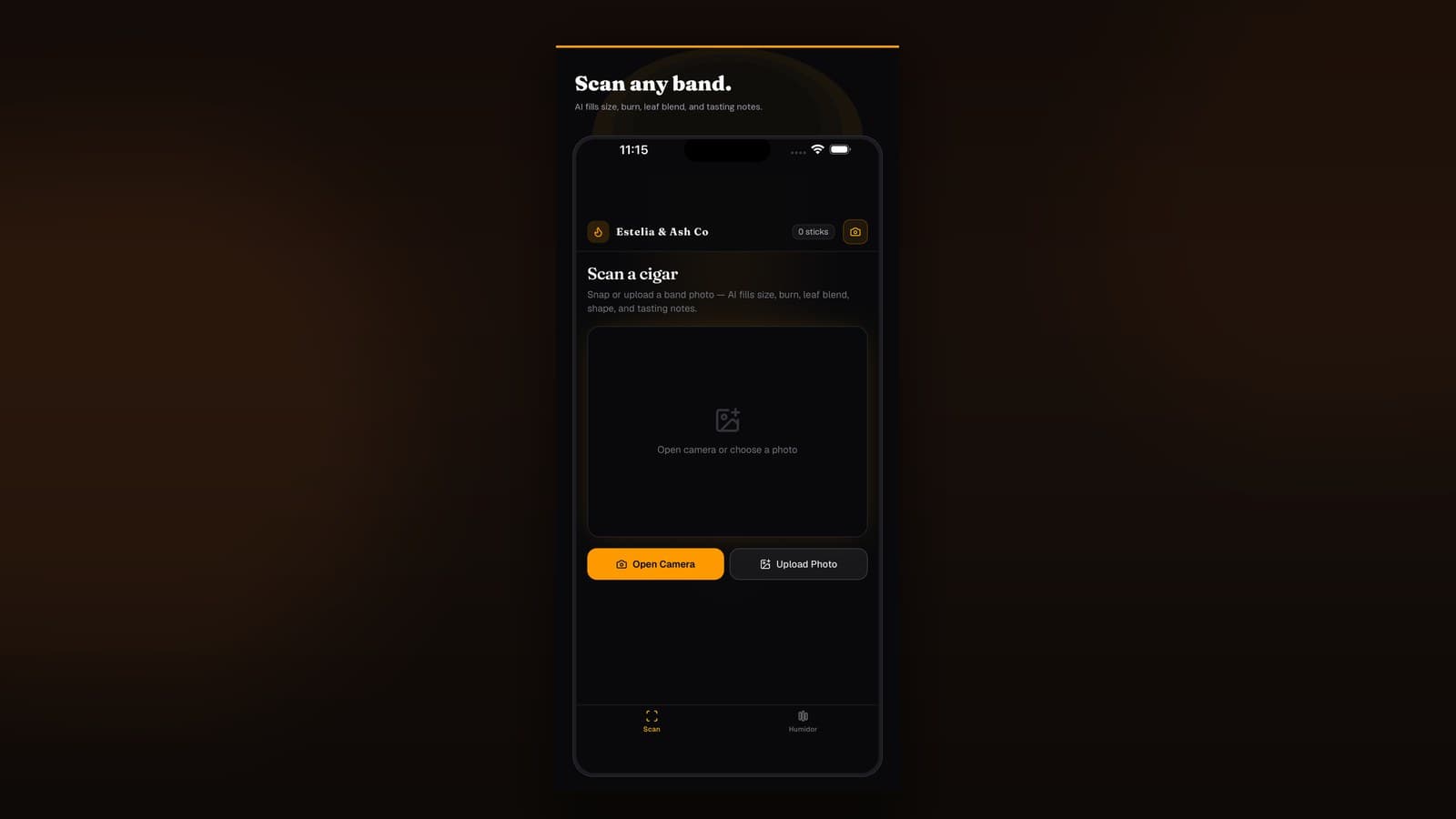
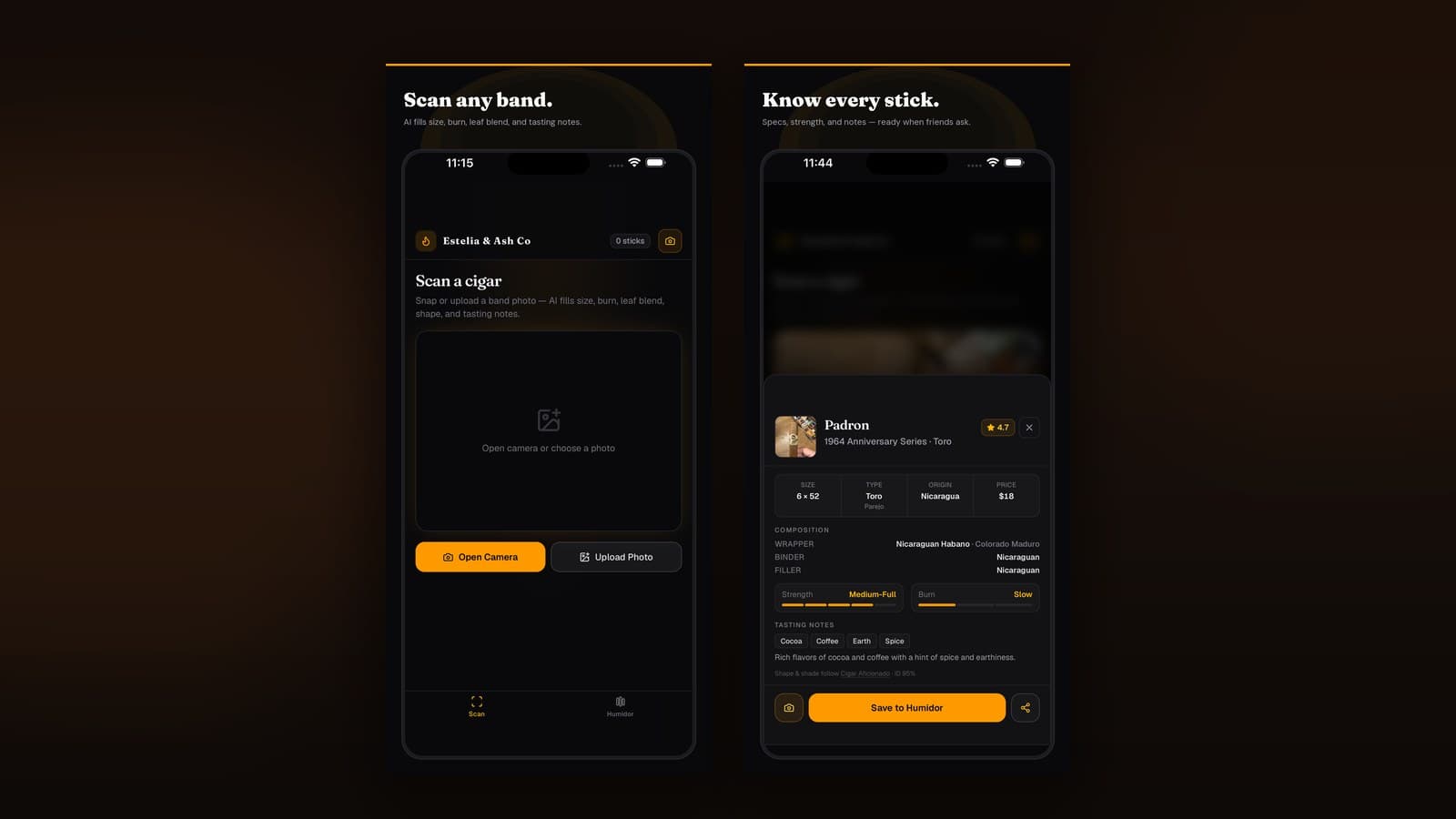
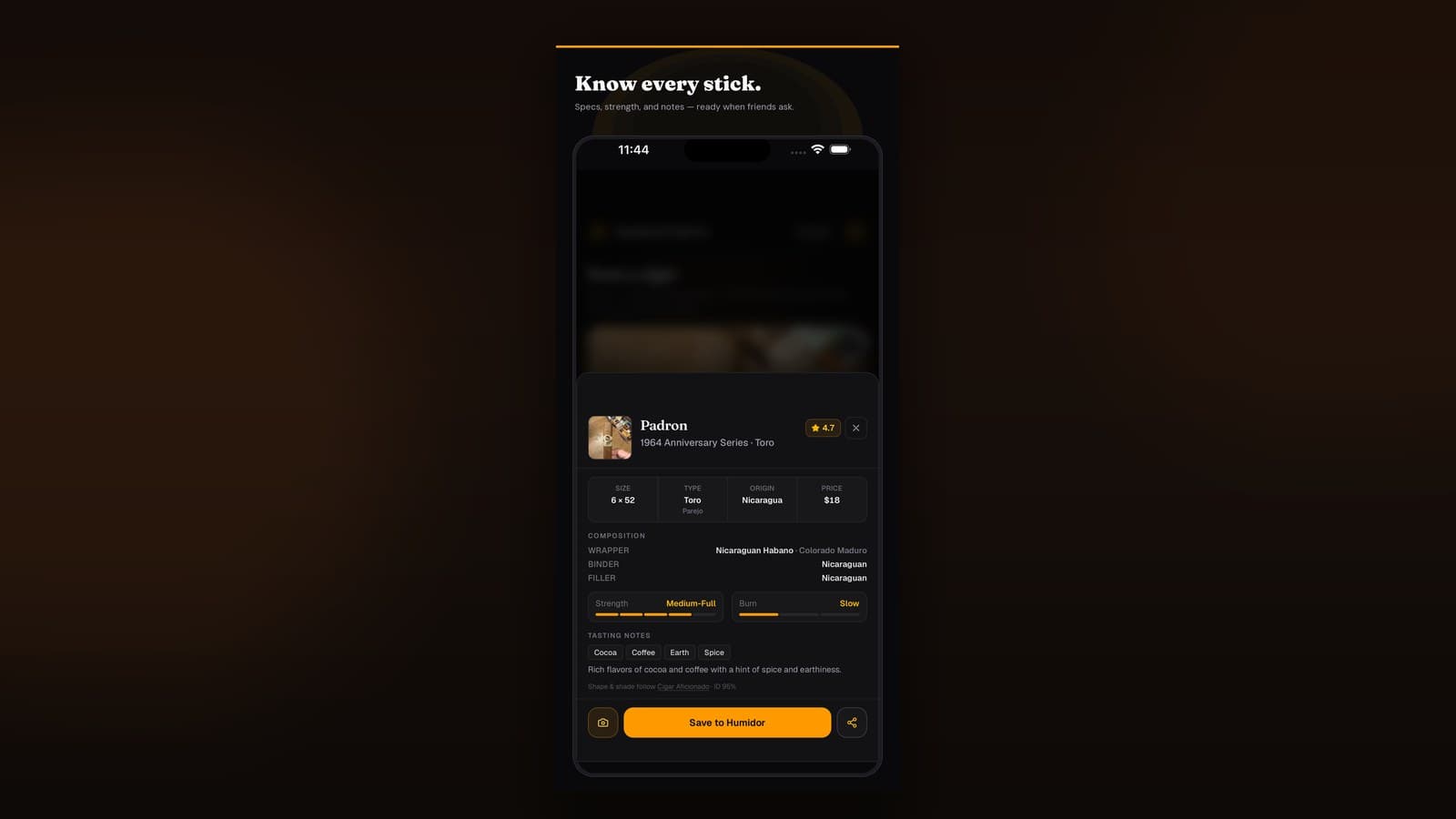
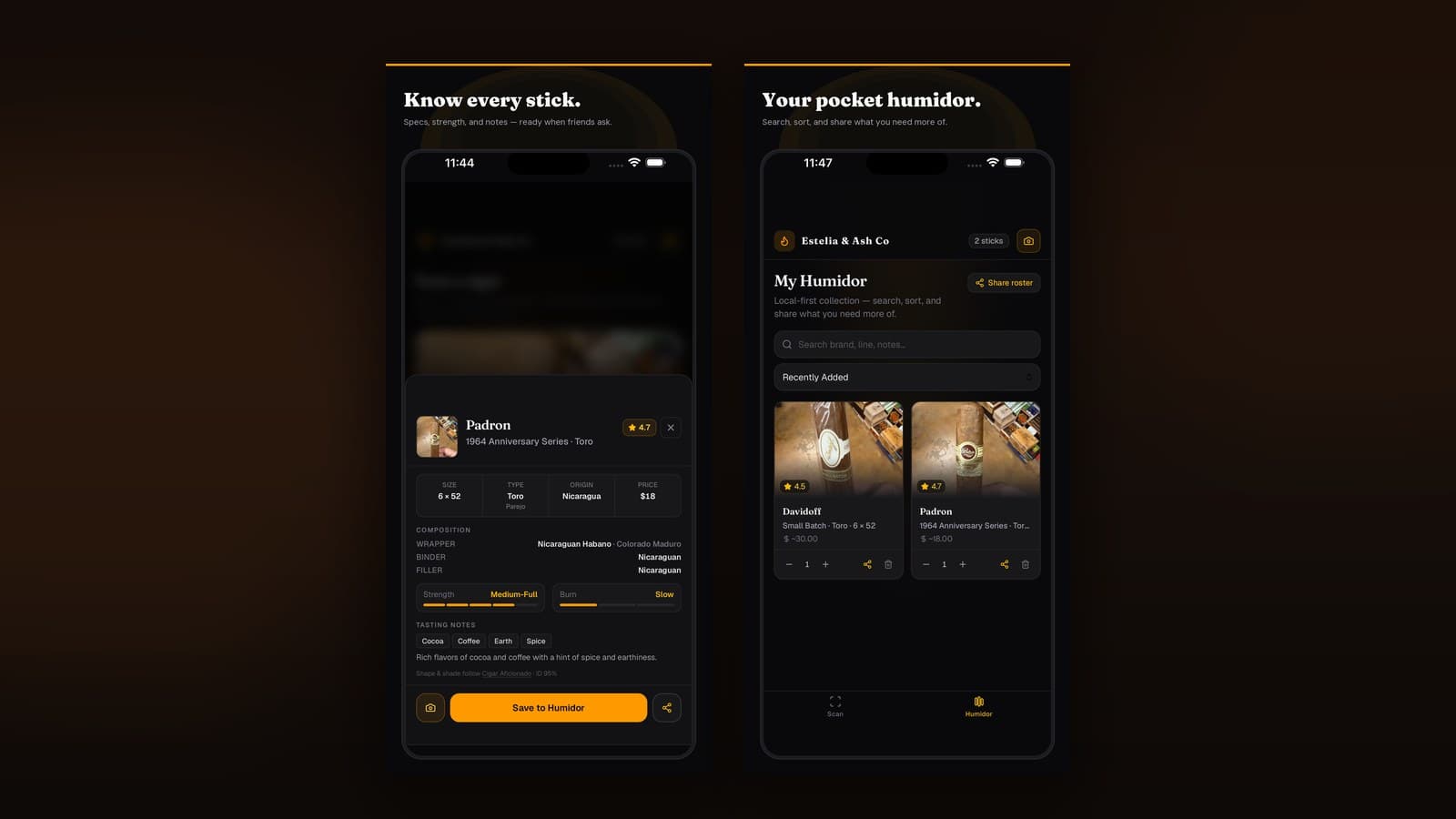
Estelia & Ash Co connects camera ID to a virtual humidor and tasting journal: scan the band, confirm the stick, set quantity, and later log the smoke. Free covers getting started without a paywall on the first scan session.
Strengths
- Scan → structured cigar record
- Inventory counts and aging context
- Tasting notes and pairing history on the same stick
- Mobile-first for shop and lounge use
Watch-outs
- Rare or damaged bands may need manual confirm
- Works best when you verify wrapper and size on unfamiliar lines
2. Web search + photo — best emergency fallback
Best for: One-off mystery sticks when you don’t have a scanner installed yet.
Photograph the band, reverse-search, and compare logos. Slow, noisy, and easy to mis-ID lookalikes—but free.
Watch-outs: no structured inventory, and forum threads disagree. Graduate to a dedicated scanner once you’re buying regularly.
3. Manual catalog apps without camera ID
Best for: Typing-friendly users with perfect spelling and patience.
Some inventory apps skip vision entirely. Fine if you only buy household names; weak for boutique Estelí and Dominican lines you’ll forget how to spell by Thursday.
How to scan accurately (shop & lounge tips)
- Fill the frame — band centered, logo readable, less background clutter.
- Use steady light — avoid harsh glare on foil and deep shadows.
- Confirm before save — check brand, line, and vitola; edit if the match is adjacent.
- Note wrapper — especially Maduro vs Habano decisions you’ll want later.
- Scan before you peel — once the band is gone, ID gets harder.
When scanning isn’t enough
- Identical family bands — vitola or box may decide
- Limited editions — catalog lag is normal; save a photo and edit the name
- Bare sticks — log from memory or box immediately
After ID, the real value is history: inventory counts in a virtual humidor and session notes in a free cigar tracker.
Which band scanner should you use?
| If you want… | Start here |
|---|---|
| Scan into inventory + journal | Estelia & Ash Co |
| One mystery stick tonight | Photo + web search |
| Typing-only catalogs | Manual inventory app |
Bottom line: The best cigar band scanner app is the one that turns a two-second photo into a record you’ll find again—at the shop, in the lounge, and six months later when someone asks what you smoked.
Frequently asked questions
Straight answers for search, lounges, and late-night humidor debates.
How does a cigar band scanner app work?
You point your camera at the band or box. The app matches visual patterns to a cigar catalog and suggests brand, line, and often vitola—then you confirm and save to inventory or notes.
Are cigar band scanners accurate?
They’re strong on common and well-photographed lines; rare or heavily damaged bands may need a manual confirm. Treat the scan as a fast draft, then verify wrapper and size if something looks off.
Can I scan a cigar without the band?
Sometimes via box art or a clear wrapper photo, but bare sticks are harder. Keep the band on until you’ve logged it, or photograph the band before you peel it.
Why use a scanner instead of typing the name?
Speed and spelling. Boutique Nicaraguan and Dominican lines are easy to mistype; a scan keeps your humidor searchable and consistent.
Is there a free cigar band scanner?
Yes. Estelia & Ash Co includes band scanning on a free path so you can identify sticks and add them to a virtual humidor without paying first.
Further reading
Related guides in the Estelia & Ash Co journal.