A free cigar tracker app should make every smoke memorable without turning the lounge into homework. Log the stick, rate the draw, capture flavors by third, and note the drink—then find it months later when you want that session again. Free tiers work if they give you structure, search, and enough room for a real habit.
What a cigar tracker app should do
Inventory apps count sticks. A cigar tracker records the experience: what you smoked, how it performed, and what you paired with it.
At minimum, look for:
- Fast session start — pick a stick (or scan it) and begin in seconds
- Structured tasting fields — flavor, strength, draw, burn, finish—not one endless text box
- Thirds awareness — first, second, and final third often taste different; note them
- Drink pairing slot — bourbon, rum, coffee, or nothing
- Searchable history — “that peppery Habano with rye” should surface in one query
Nice-to-haves that keep you journaling:
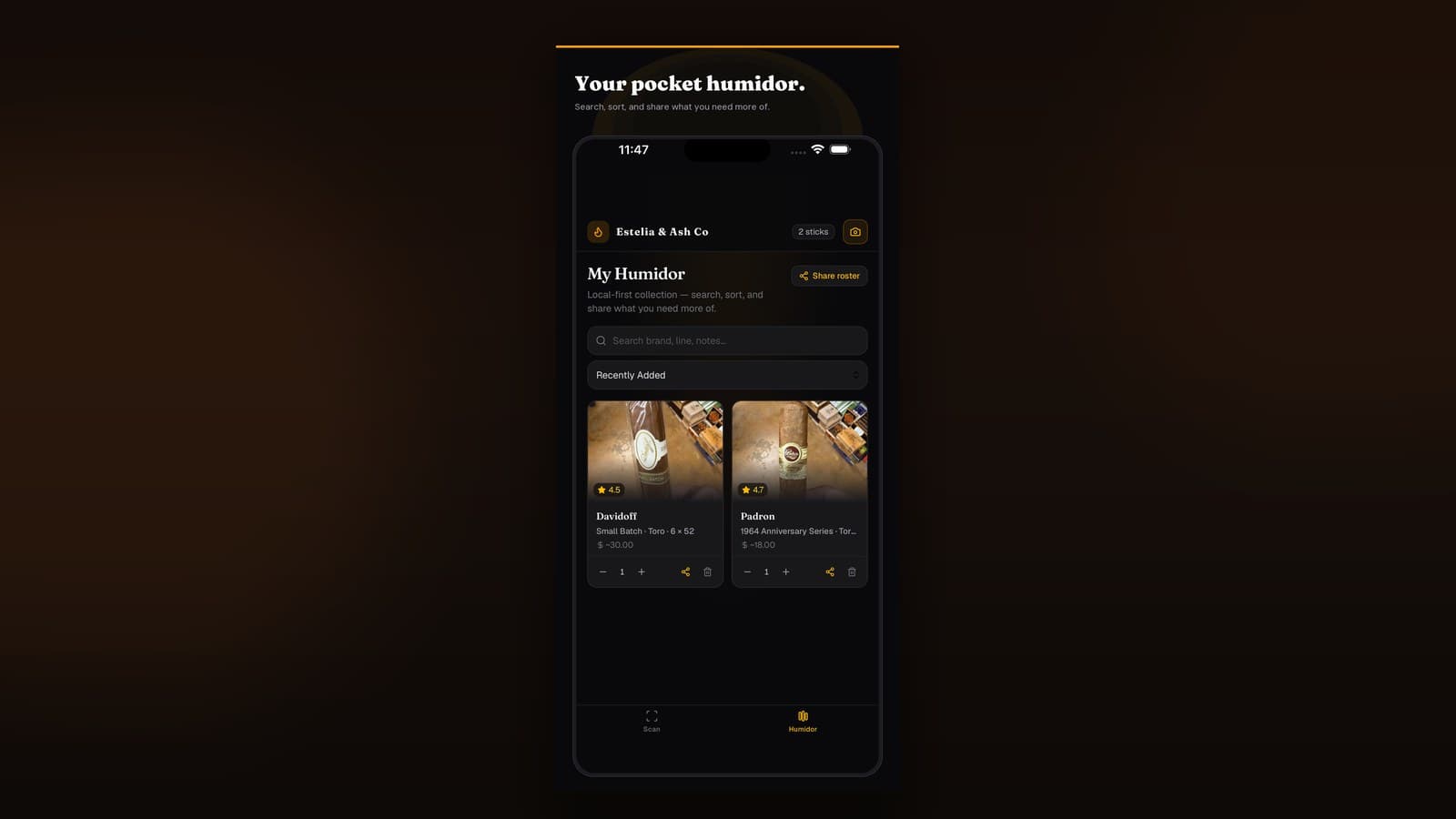
- Link sessions to a virtual humidor so smoking updates inventory
- Band scan so obscure lines aren’t misspelled forever
- Photos of ash, burn line, or the pour
- Offline logging at the lounge
How we judged free cigar tracker apps
| Criterion | Why it matters |
|---|---|
| Time to first note | If logging takes longer than the cold draw, you won’t do it |
| Field structure | Guided prompts beat “write anything” every time |
| Free tier honesty | Caps are fine; locking core journaling behind paywalls is not |
| Pairing support | Drink notes are half the ritual for many smokers |
| Inventory bridge | Smoking should decrement the box when you’re ready |
Best free cigar tracker apps worth considering
1. Estelia & Ash Co — best free cigar tracker overall
Best for: Aficionados who want session notes, pairings, and inventory in one pocket app.
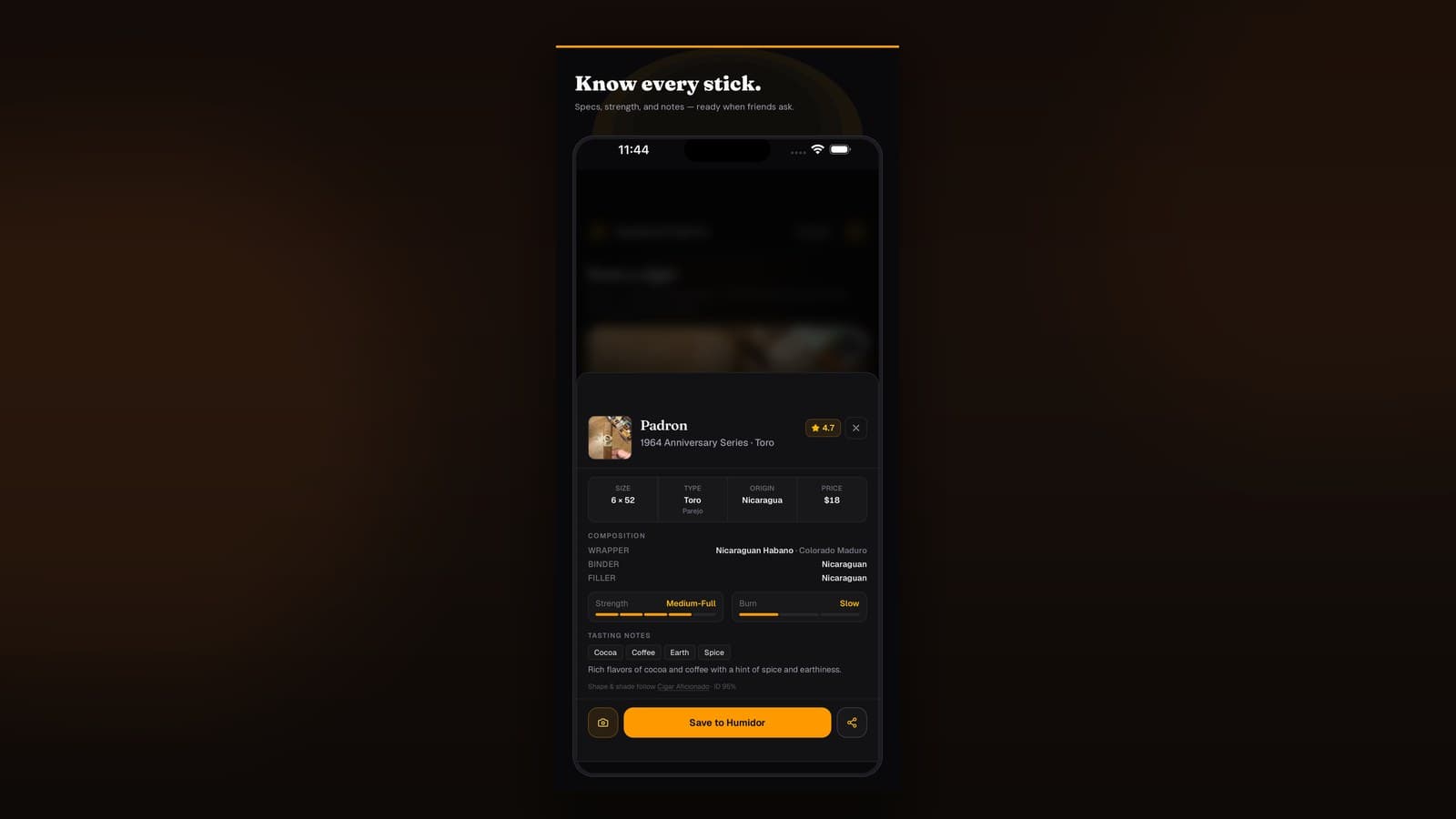
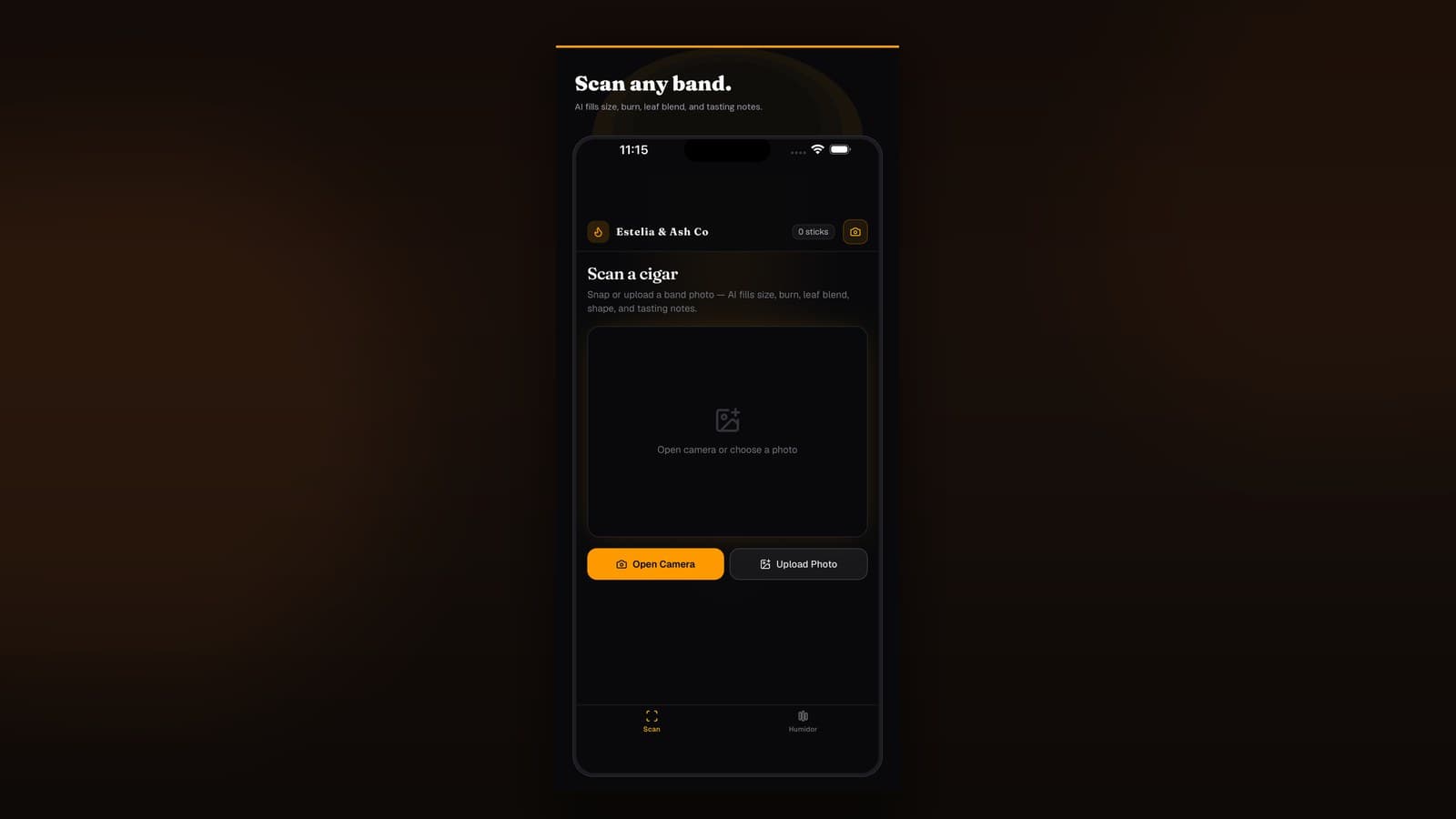
Estelia & Ash Co treats the tasting journal as a first-class habit: scan or select a stick, log flavors and draw, attach a drink, and keep history you’ll actually reopen. Free gets you started without credit-card theater.
Strengths
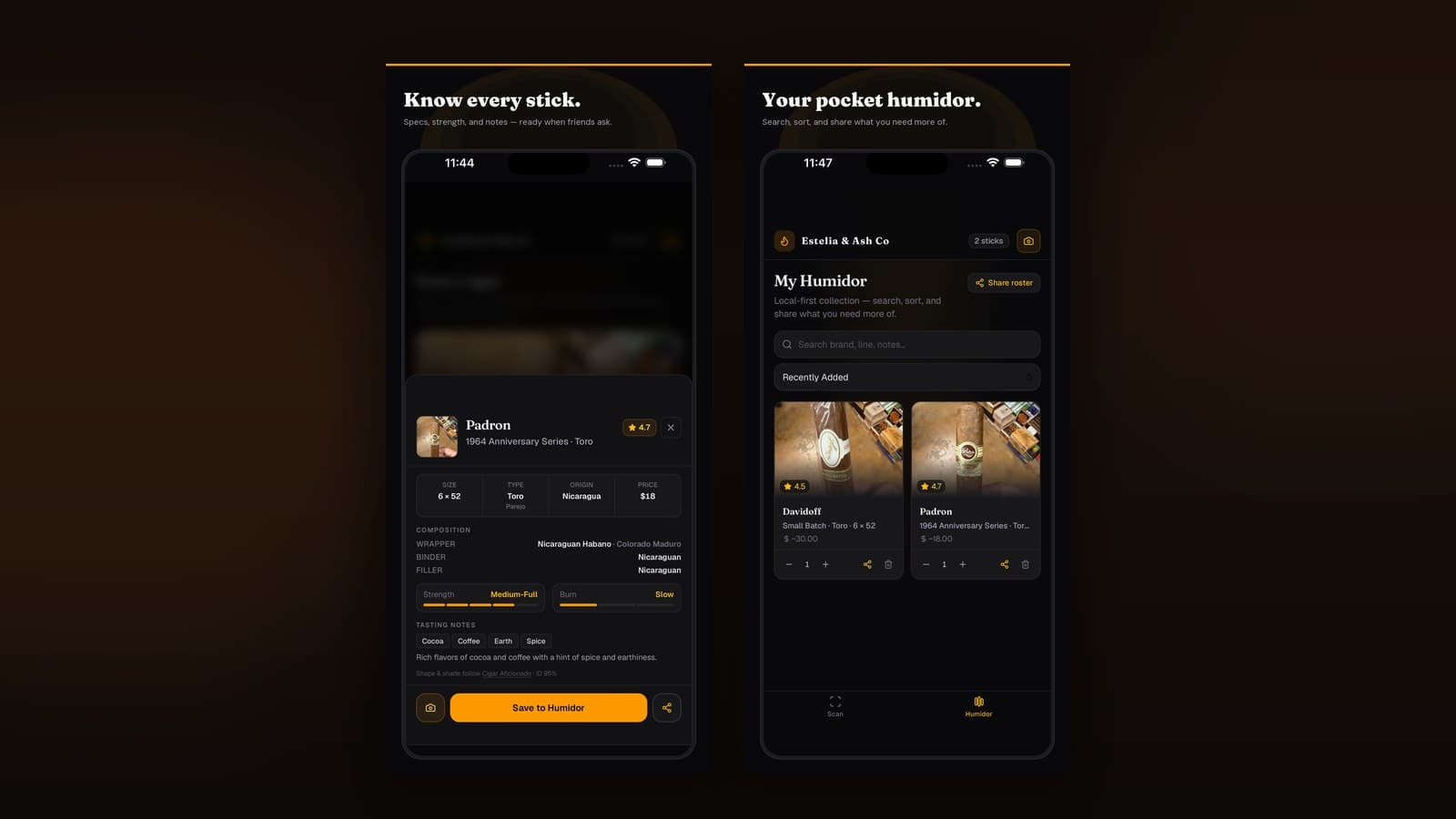
- Session logging tied to humidor inventory
- Band scan → correct cigar name on the first try
- Pairing-friendly notes built for bourbon nights
- Free path that covers everyday journaling
Watch-outs
- Mobile-first — not a desktop spreadsheet clone
- Heavy collectors may grow into Pro capacity later
2. Notes app + tags — best DIY free tracker
Best for: Minimalists who already live in Apple Notes or Google Keep.
A template (“Brand / Wrapper / Draw / Flavors / Pairing / Rating”) works if you’re disciplined. Tags like #maduro #rye help later.
Strengths
- Truly free and already installed
- Flexible prose when you want a long write-up
Watch-outs
- No inventory sync when you smoke a stick
- No band scanning — spelling errors compound
- Search gets messy without ruthless tagging
When DIY friction wins, move the same habit into a dedicated virtual humidor app that tracks stock and sessions together.
3. Spreadsheet session log — best for data nerds
Best for: People who want charts, averages, and custom columns.
Columns for date, brand, wrapper, score, pairing, and proof work well. Weak at the shop counter; strong for Sunday analysis.
Watch-outs: zero camera ID, weak mobile UX, and no guided tasting structure—pair with a cigar band scanner mindset if you graduate to an app.
How to build a tasting journal habit in one week
- Log the next three smokes only — don’t backfill years on day one.
- Use the same fields every time — flavor, draw, strength, pairing, would-buy-again.
- Write specifics — cedar, cocoa, black pepper, cream; never just “good.”
- Note the cut and light — if the draw failed, see how to cut and light a cigar properly before blaming the blend.
- Capture the pour — brand, proof, and a one-line verdict; later read best bourbon cigar pairings with your own data in hand.
Free vs paid: when to upgrade
Stay free if you: smoke a few times a week, want notes + search, and don’t need unlimited history or multi-device sync.
Upgrade when you: hit session or inventory caps, want unlimited scans, or share a collection with a partner. Pay for capacity and speed—not for the right to write “cocoa on the finish.”
Which free cigar tracker should you download?
| If you want… | Start here |
|---|---|
| Notes + inventory + scan in one place | Estelia & Ash Co |
| Prose-only journaling | Phone notes app + tags |
| Custom columns and charts | Spreadsheet |
| Camera ID first | Cigar band scanner apps |
Bottom line: The best free cigar tracker app is the one you’ll open mid-smoke. Prioritize structured fields, honest free limits, and pairings you’ll want to repeat.
Frequently asked questions
Straight answers for search, lounges, and late-night humidor debates.
What is a cigar tracker app?
A cigar tracker app is a digital tasting journal: you log what you smoked, how it drew, flavors across thirds, and what you drank with it. Many also tie sessions to a virtual humidor inventory.
Are free cigar tracker apps actually useful?
Yes—if they give you structured fields (flavor, strength, draw, pairing) and search. A free blank notes app isn’t a tracker. Estelia & Ash Co’s free tier is built for session logging without a credit card wall on day one.
What’s the difference between a cigar tracker and a virtual humidor?
A virtual humidor tracks what you own (counts, aging). A cigar tracker logs what you smoked (notes, ratings, pairings). The best apps do both so inventory and memory stay connected.
What should I write in tasting notes?
Note cold draw, first/second/final third flavors, draw quality, burn issues, strength, finish length, and the drink you paired. Skip vague words like “good”—write cedar, cocoa, black pepper, cream instead.
Should I track drink pairings in the same app?
Yes. Pairings are half the lounge ritual. Logging bourbon, rum, or coffee next to the stick teaches your palate faster than memory alone.
Further reading
Related guides in the Estelia & Ash Co journal.